
Skoda has long offered a well-considered range of factory audio systems, balancing cost with functionality in a way that suits the brand’s practical, value-focused ethos. The Bolero and Swing are the two most commonly encountered names in Skoda’s radio lineup, and understanding the differences between them can help you identify your unit, source a replacement, or retrieve your unlock code.
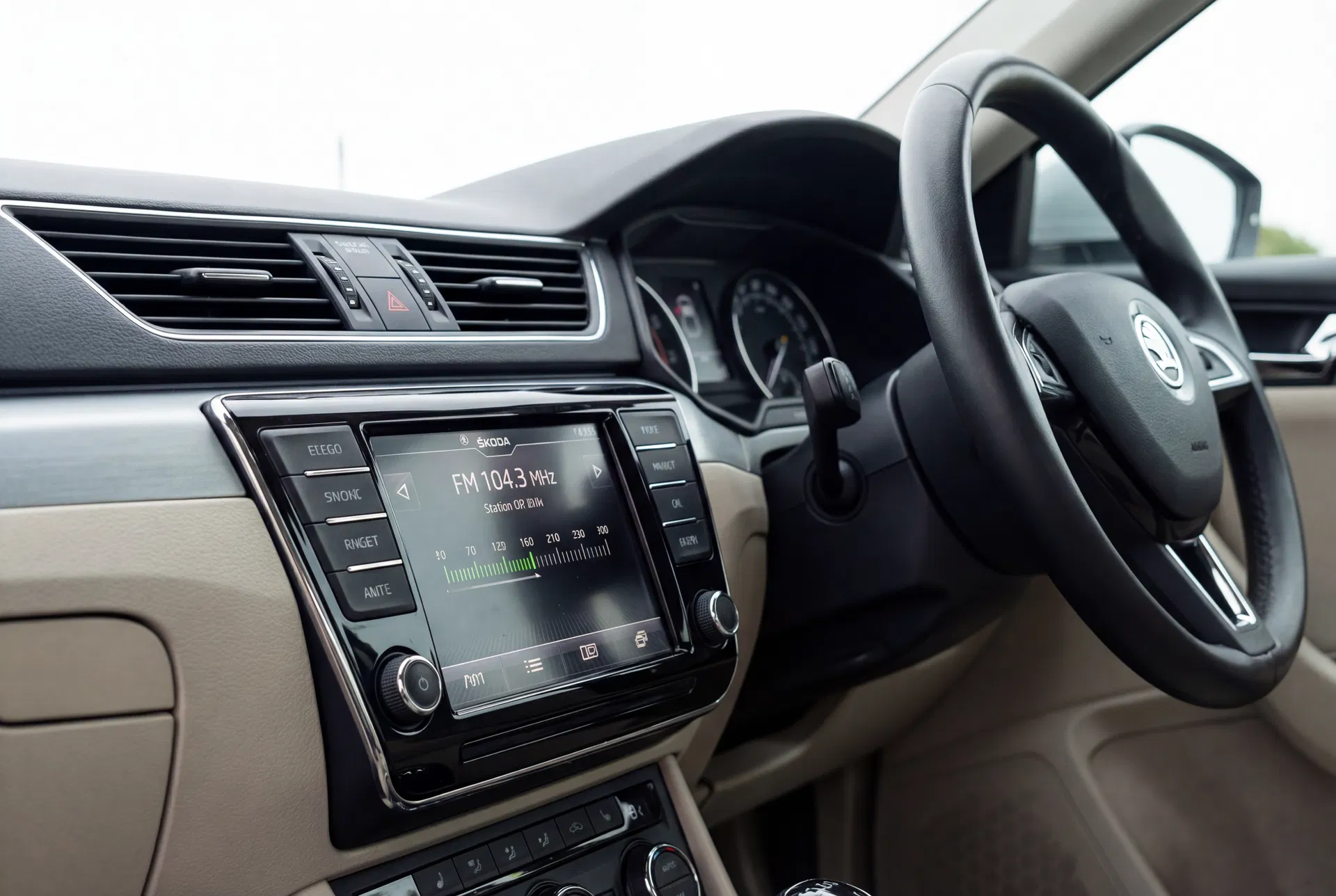
The Skoda Bolero — a capable mid-range unit that combines Bluetooth connectivity with a clean, functional interface.
The Skoda Radio Naming Convention
Skoda uses a consistent naming system for its head units. Entry-level units carry names like Swing and Melody, mid-range units are called Bolero and Amundsen, and the top-tier navigation systems are branded Columbus. This naming convention has been in use since the early 2000s and applies across the Fabia, Octavia, Superb, Kodiaq, and other models.
Skoda Swing — The Entry-Level Option
The Swing is Skoda’s base radio, fitted to entry and mid-specification variants of most models. It features a monochrome or simple colour display, AM/FM radio with RDS, and a CD slot. Earlier versions (pre-2012) did not include Bluetooth or USB, while later versions added a USB port for music playback and phone charging.
The Swing is a compact, single-DIN unit that prioritises simplicity. It is reliable and straightforward to use, though it lacks the connectivity features that many modern drivers expect. Its security code system is identical to other VW Group units — a four-digit code tied to the unit’s serial number, which begins with SKZ.
Skoda Bolero — Mid-Range with Bluetooth
The Bolero is Skoda’s mid-range offering and the most commonly specified unit across the Octavia and Superb ranges. It features a colour display (typically 6.5 inches in later versions), Bluetooth hands-free calling and audio streaming, a USB port, and an SD card slot. Later Bolero variants added SmartLink technology, which supports Apple CarPlay and Android Auto.
The Bolero is a genuinely capable unit that compares favourably with many aftermarket alternatives. Its integration with the vehicle’s CAN bus means that steering wheel controls, parking sensors, and the reversing camera (where fitted) all work seamlessly.
Skoda Amundsen — Navigation Without the Premium Price
The Amundsen is Skoda’s entry-level navigation system. It features a 6.5-inch or 8-inch touchscreen, integrated GPS navigation with map updates via SD card, Bluetooth, and SmartLink support. It is positioned as a practical navigation option for owners who want integrated GPS without the cost of the flagship Columbus system.
How the Security Code Works on Skoda Radios
All Skoda factory radios use the same anti-theft code system as other VW Group vehicles. When the unit loses power, it locks itself and displays a prompt for the security code. The code is a four-digit number unique to each unit, derived from its serial number.
The serial number is printed on a sticker on the unit’s casing and begins with SKZ. This number is used to retrieve the corresponding code from Skoda’s manufacturer database. The process is identical whether you are unlocking a Swing, a Bolero, or an Amundsen.
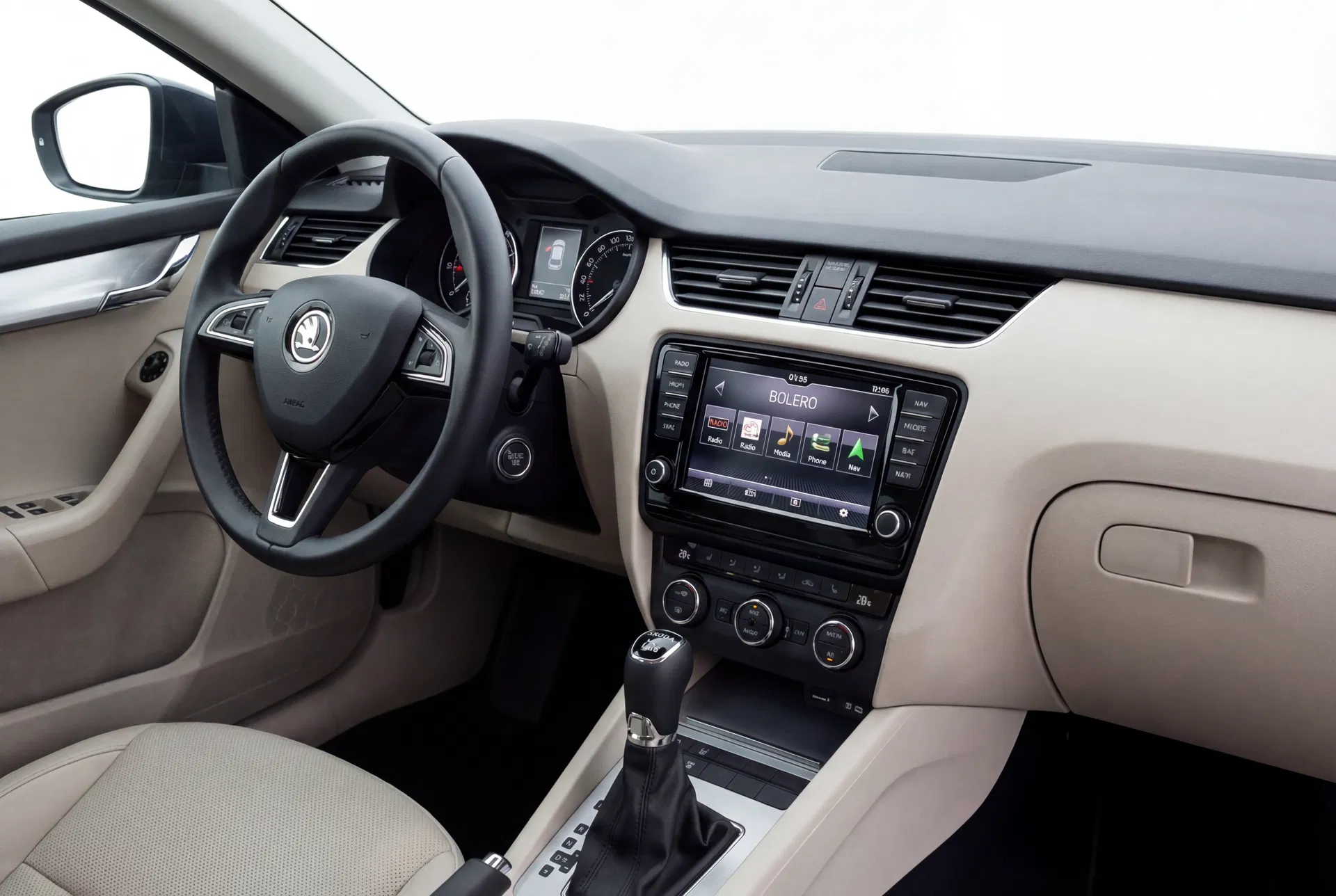
The Bolero fitted in a Skoda Octavia — a clean, well-integrated system that supports CarPlay and Android Auto in later versions.
Entering the Code on a Skoda Radio
The code entry process on Skoda radios is consistent across models:
- Turn the ignition to position II (accessories on).
- The radio will display a code entry prompt or the word SAFE.
- Use the preset buttons (1–4 or 1–6 depending on the model) to enter each digit. Each press increments the digit by one.
- Confirm the code using the OK button or by pressing and holding the appropriate button as described in the owner’s manual.
- If the code is correct, the radio will unlock immediately.
What to Do If You Have Made Too Many Wrong Attempts
If three incorrect codes have been entered, most Skoda radios will enter a lockout mode and display WAIT or a similar message. In this state, the radio will not accept any further attempts until a waiting period has elapsed. Leave the ignition on (without starting the engine) for approximately one hour. After this period, the radio will allow further attempts.
If the unit has been locked for an extended period or has been through multiple lockout cycles, it may require a dealer reset. In this case, contact a Skoda dealer with proof of ownership.