
One of the most common questions we receive is: “Where do I find my VW radio serial number?” It is a fair question — the serial number is the single piece of information you need to retrieve your radio unlock code, and it is not always obvious where to look. This guide covers every method for finding the serial number across all common Volkswagen radio models.
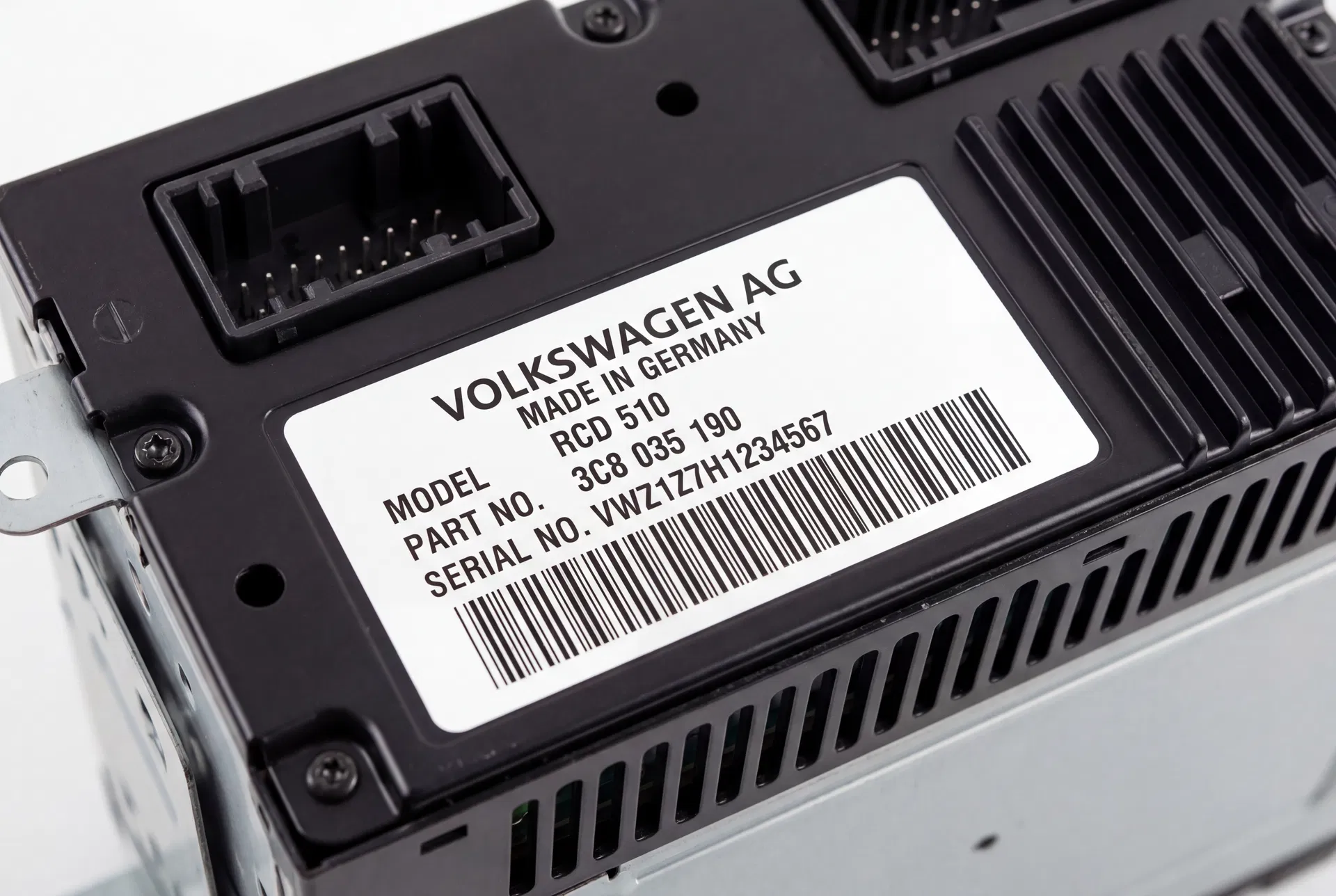
The serial number label — always starting with VWZ — is found on the back or top of the radio unit.
Why Do You Need the Serial Number?
Volkswagen’s factory radios are protected by an anti-theft code system. Each unit has a unique four-digit code that is mathematically derived from its serial number. When the radio loses power — due to a battery change, a flat battery, or the unit being removed — it locks itself and displays “SAFE” or “CODE”. The only way to unlock it is to enter the correct four-digit code.
The serial number is the key to retrieving this code. It is stored in Volkswagen’s manufacturer database and can be used to look up the corresponding code within seconds.
Method 1: Remove the Radio and Read the Label
The most reliable method is to remove the radio from the dashboard and read the serial number directly from the label on the unit’s casing. The label is typically on the top or side of the unit and contains the model number, part number, and serial number. The serial number begins with VWZ and is followed by a series of digits and letters.
To remove a standard VW radio, you will need a set of DIN removal tools — these are inexpensive flat metal rods available from any car accessories shop. Insert them into the small holes on either side of the radio’s faceplate until you feel them click into the locking slots, then pull the radio forward out of the dashboard.
Method 2: Use the Radio’s Built-In Serial Number Display
Many VW radios can display their own serial number without being removed from the vehicle. The method varies by model:
RCD 510 and RNS 510: Press and hold the AS button (or the SETUP button on some variants) for approximately five seconds while the radio is powered on. The serial number will appear on the display.
RCD 300 and RCD 310: Press and hold buttons 1 and 6 simultaneously for approximately five seconds. The serial number will scroll across the display.
RCD 200 and RCD 215: These older units do not support on-screen serial number display. The radio must be removed to read the label.
Method 3: Check the Vehicle’s Documentation
When a Volkswagen leaves the factory, the radio code is printed on a small card and placed in the vehicle’s documentation wallet alongside the owner’s manual and service booklet. This card typically shows both the serial number and the corresponding unlock code. If you have this card, you do not need to retrieve the code — simply enter it as described in the owner’s manual.
If the card is missing, check whether the previous owner wrote the code in the owner’s manual or on a sticker inside the glovebox or service booklet.
Method 4: Contact a VW Dealer
Volkswagen dealers can retrieve the radio code using the vehicle’s VIN (Vehicle Identification Number) and the radio’s serial number. This service is usually free for the original owner but may require proof of ownership. The dealer will look up the code in Volkswagen’s central database and provide it to you.
Method 5: Use an Online Code Retrieval Service
Online services such as VW Codes provide the fastest and most convenient way to retrieve your code. You simply enter the radio’s serial number on the website, and the code is retrieved from the manufacturer’s database within minutes. This service is available 24 hours a day, seven days a week, and does not require a dealership appointment.
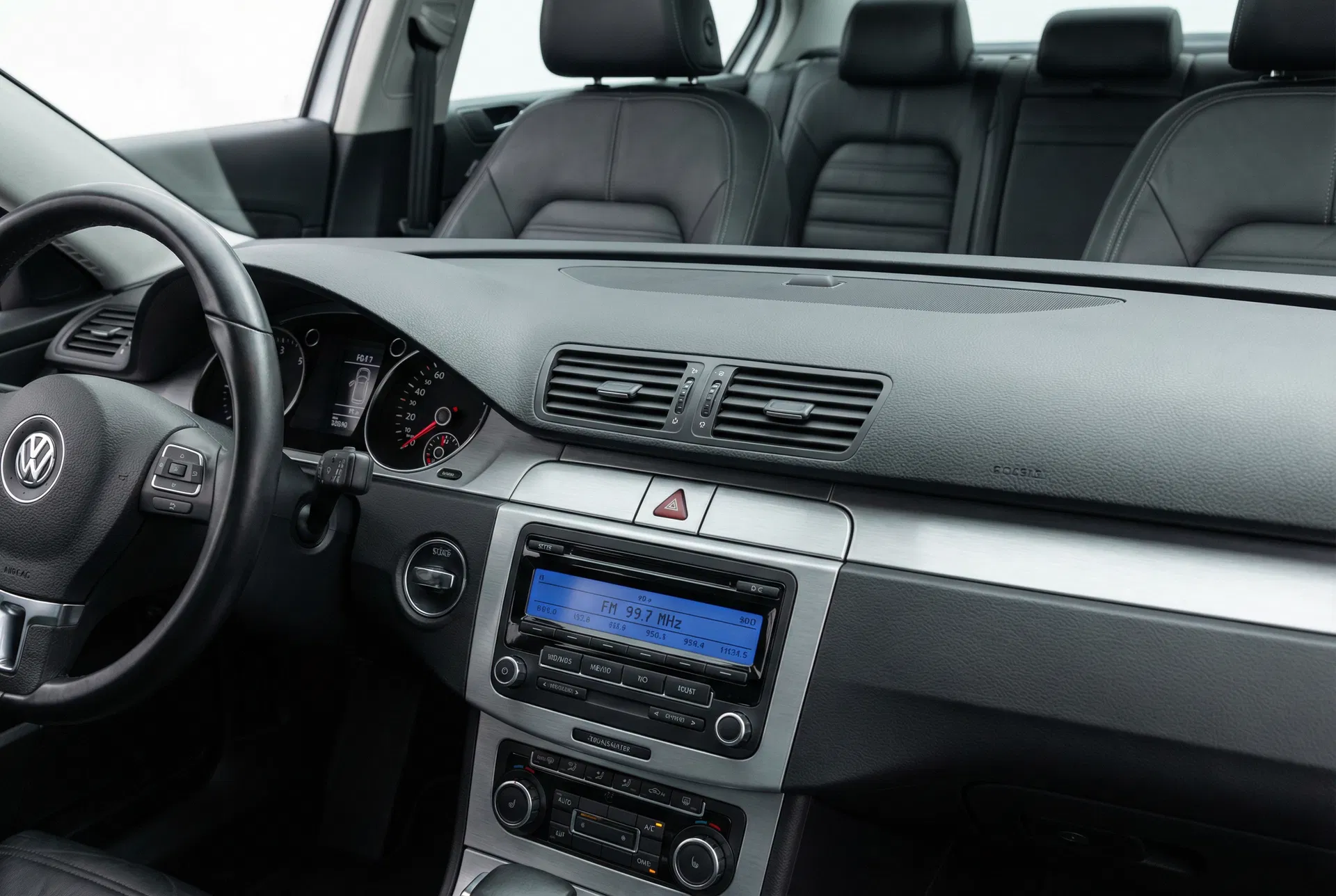
Once you have your code, entering it takes less than a minute — and your radio is back to full operation.
What If the Serial Number Starts with Something Other Than VWZ?
If your radio’s serial number begins with letters other than VWZ, it may be an Audi, Skoda, or SEAT unit that has been fitted to your Volkswagen. Audi serial numbers begin with AUZ, Skoda units begin with SKZ, and SEAT units begin with SEZ. Each brand uses the same underlying code retrieval system, so the process is identical regardless of the prefix.
Entering the Code
Once you have your four-digit code, the process for entering it is straightforward. With the ignition on and the radio displaying SAFE, use the preset buttons to enter each digit in sequence. The exact method varies slightly by model — consult the relevant section of your owner’s manual or our model-specific guides for precise instructions.