
The Skoda Octavia is one of Europe’s most practical and well-regarded family cars, and its infotainment lineup reflects the brand’s commitment to offering genuine value at every price point. Whether you have the entry-level Swing or the flagship Columbus navigation system, understanding what your system can do — and how to unlock it after a battery change — is essential knowledge for any Octavia owner.
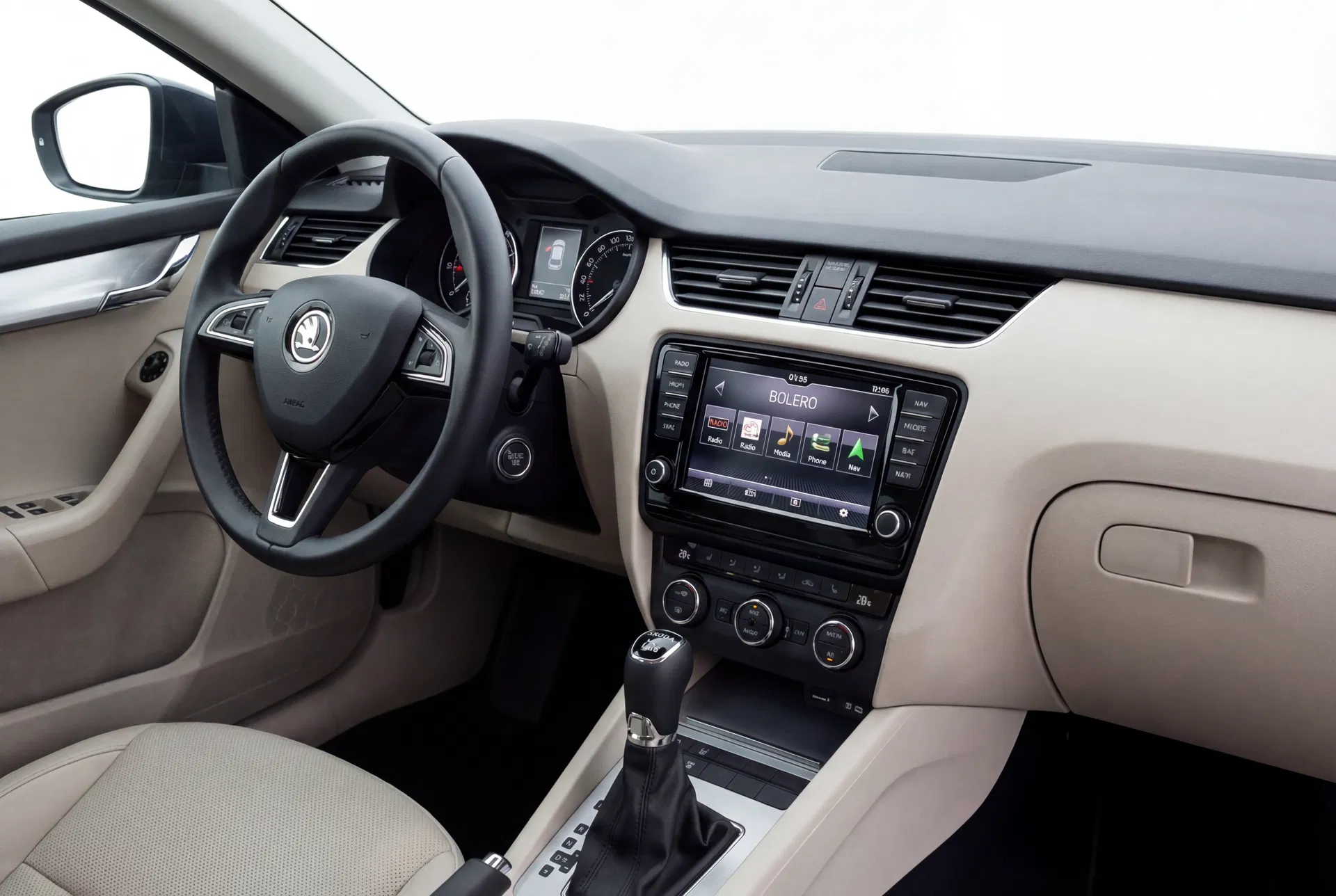
The Skoda Octavia’s Bolero system — a well-specified mid-range unit that offers Bluetooth, USB, and SmartLink connectivity.
The Octavia’s Infotainment Range
Skoda offers four main infotainment systems across the Octavia range, each targeting a different buyer profile. The lineup has evolved over successive Octavia generations, but the naming convention has remained consistent: Swing, Bolero, Amundsen, and Columbus represent entry, mid, navigation-entry, and navigation-premium tiers respectively.
Swing — Practical and Reliable
The Swing is the entry-level system fitted to base-specification Octavia models. In its most recent form (as fitted to the Octavia Mk4), it features a 6.5-inch touchscreen, Bluetooth, USB, and SmartLink (Apple CarPlay and Android Auto). Earlier Swing variants (Octavia Mk2 and Mk3) used a smaller display and lacked touchscreen functionality.
Despite its entry-level positioning, the current Swing is a capable unit that meets the needs of most drivers. Its main limitation compared to higher-spec units is the absence of integrated navigation — drivers must rely on smartphone navigation via SmartLink.
Bolero — The Sweet Spot
The Bolero is the most popular infotainment choice among Octavia buyers, offering a balance of features and value that suits the model’s practical character. In current form, it features an 8-inch touchscreen, Bluetooth, USB, SmartLink, and a more powerful amplifier than the Swing. Some Bolero variants include DAB digital radio and wireless SmartLink.
The Bolero is also notable for its integration with Skoda’s optional Canton sound system, which replaces the standard speakers with a premium audio setup developed by the German audio specialist Canton.
Amundsen — Navigation Without Compromise
The Amundsen is Skoda’s entry-level navigation system, named after the Norwegian explorer Roald Amundsen. It features an 8-inch touchscreen, integrated GPS navigation with map updates via SD card, Bluetooth, SmartLink, and online services via Skoda Connect. The navigation software is supplied by HERE Technologies and covers all major European road networks.
Map updates for the Amundsen are distributed on SD cards and can be purchased from Skoda dealers or downloaded via the Skoda DataPlug service. The system supports voice-guided navigation and can display real-time traffic information when connected to Skoda Connect.
Columbus — The Flagship Experience
The Columbus is Skoda’s top-tier navigation system, offering the largest screen (9.2 inches), the most powerful processor, and the most comprehensive feature set. It includes all the features of the Amundsen plus a larger display, faster navigation processing, wireless SmartLink on some variants, and a more sophisticated online services integration.
The Columbus is fitted as standard on Octavia L&K (Laurin & Klement) models and is available as an option on Scout and RS variants. Its 9.2-inch screen is one of the largest available in the Octavia’s class.
Security Codes Across All Octavia Infotainment Systems
All Skoda infotainment systems use the VW Group’s standard anti-theft code system. Each unit has a unique four-digit code tied to its serial number. When the unit loses power, it locks itself and displays a code entry prompt.
The serial number begins with SKZ and can be found in the system’s settings menu (on touchscreen units) or on the label on the unit’s casing (on older units). This serial number is used to retrieve the corresponding code from Skoda’s manufacturer database.
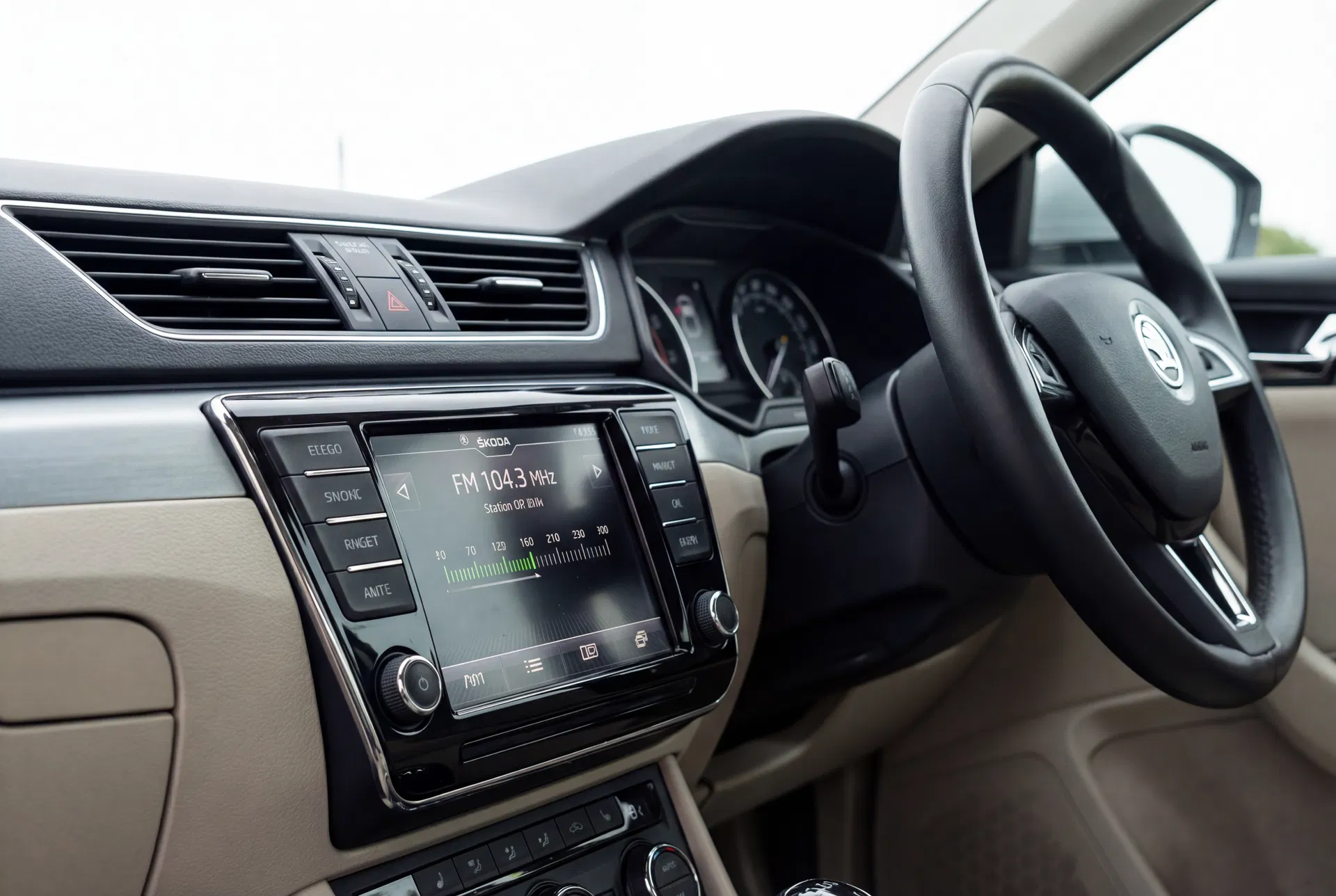
Skoda’s radio units are straightforward to unlock once you have the correct serial number and code.
Entering the Code on Skoda Octavia Infotainment Systems
The code entry method varies by system generation:
- Swing/Bolero (non-touchscreen): Use the preset buttons to enter each digit, then confirm with the appropriate button.
- Swing/Bolero/Amundsen/Columbus (touchscreen): A numeric keypad appears on the touchscreen. Enter the four-digit code and tap OK to confirm.
Remember that three incorrect attempts will trigger a lockout period. Always retrieve the correct code before attempting entry. Our online service can provide the code for any Skoda infotainment system within minutes using the serial number.